SnapNutrition AI: A Simpler Approach to AI Food Tracking
How SnapNutrition AI uses flexible inputs and modular design to simplify food tracking without overcomplicating the user experience.
Not every AI product needs to feel futuristic to be impressive. Sometimes the smartest product decision is simply making a repeated action easier. That is what makes SnapNutrition AI a strong example of consumer AI product thinking.
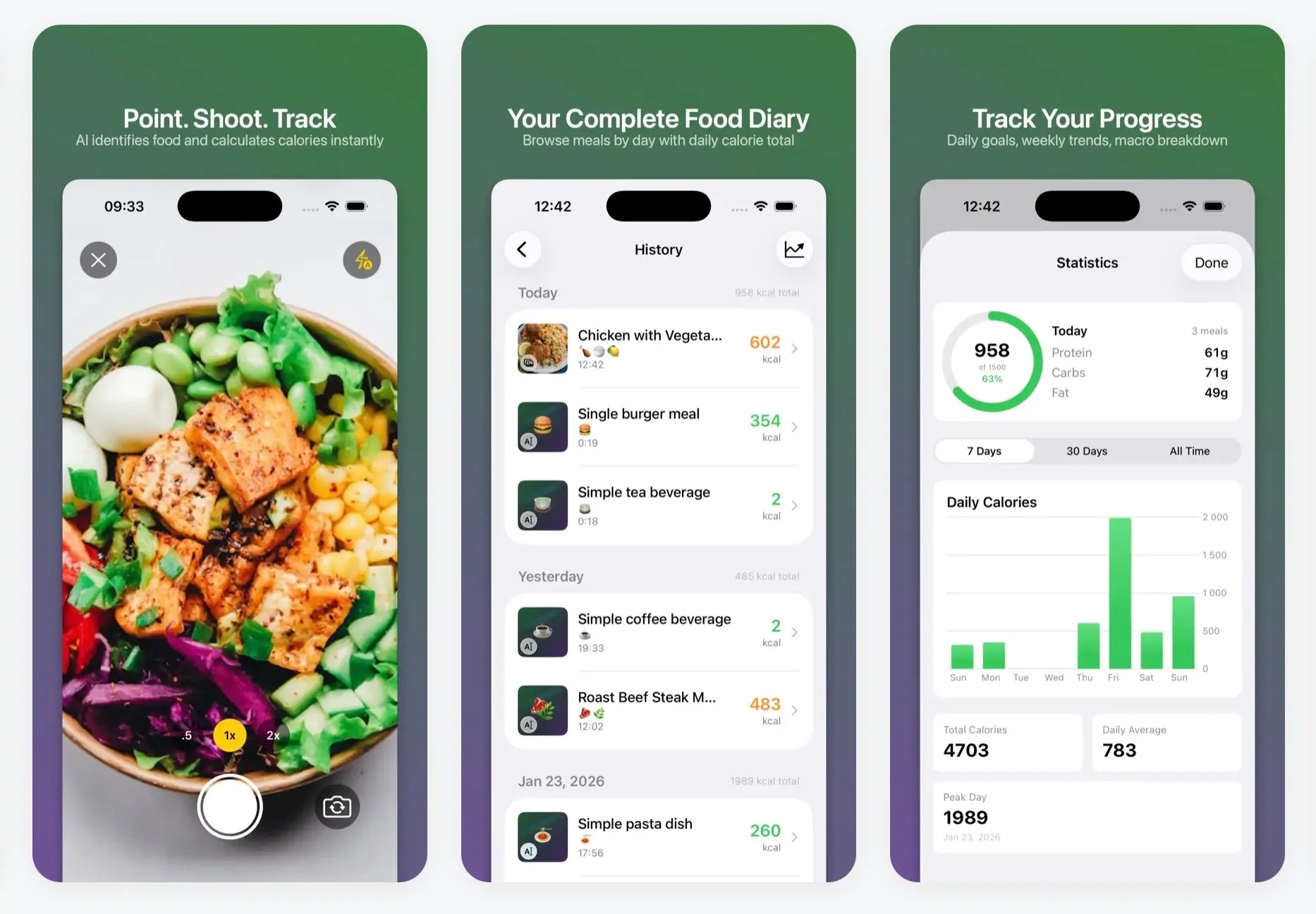
At its core, the product focuses on a familiar task: logging consumed food. But instead of building that experience around one single interaction, it spreads the value across the whole flow. Meals can be logged by photo, barcode, text, or voice. Progress stays visible through goals, history, and statistics. The app also keeps the setup relatively light, with no subscription or ads, and no account required. SnapNutrition AI presents itself as fully free to use, while the AI layer runs through the user’s own Anthropic or OpenAI key, with typical usage costing around $0.01–$0.03 per food scan.
What makes the product interesting
What stands out first is how much flexibility is built into the input layer. A packaged snack can be scanned. A homemade meal can be photographed. A quick entry can be typed or spoken. That may sound simple, but it changes the feel of the product. Instead of asking users to adapt to one rigid method, the app leaves room for different situations and habits.
The same logic continues in the way the rest of the experience is structured. Food logging is only one part of the routine. The app also includes calorie goals, macro tracking, meal history, statistics, Apple Watch support, and widgets that keep progress visible without making the product feel heavy. That gives the whole system a more natural rhythm: log quickly, check progress easily, move on. It is close to an idea Unibrix touched on in its recent piece about adding AI to a product without breaking the architecture: the AI works best when it sits inside a clear system instead of trying to become the whole experience.
Another detail that shapes the experience is the pricing model. SnapNutrition AI uses a bring-your-own-key setup with Anthropic or OpenAI, so users pay for actual AI usage instead of entering a standard subscription flow. Privacy is handled in a similarly direct way, with on-device data storage, personal iCloud sync, and food images sent to the selected AI provider for analysis. Together, those choices make the product feel relatively transparent in how it works.
How the flow comes together
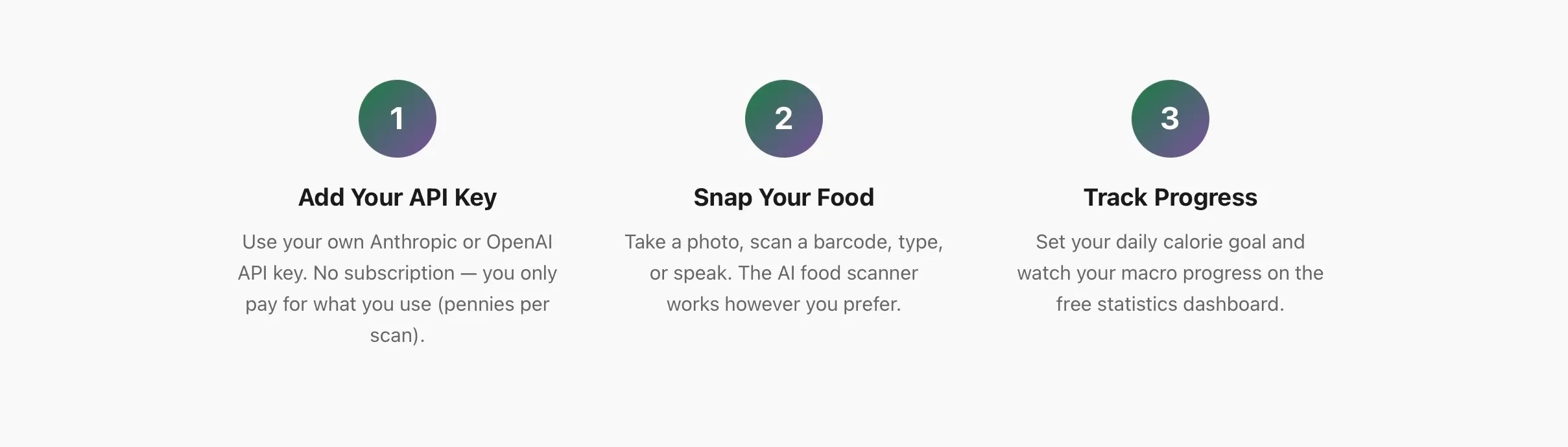
1. Add your API key
The setup begins by connecting an Anthropic or OpenAI API key. That powers the AI layer while keeping the app outside the usual subscription model. This as a way to keep the app free while charging only for actual AI usage.
2. Log food in the easiest format
From there, meals can be entered in the format that makes the most sense at the moment: photo, gallery import, barcode, text, or voice. The app then returns calorie and macro estimates inside the same flow.
3. Keep progress visible
Once meals are logged, they feed into the broader tracking layer: daily goals, macro progress, meal history, charts, Apple Watch summaries, and widgets that make the information easier to revisit during the day.
SnapNutrition AI doesn’t reinvent nutrition tracking from scratch, but pays attention to how small product decisions add up. The AI sits inside a flow that feels clear, practical, and easy to follow. And that is often what makes everyday software memorable in the first place.
Why flexibility matters in food tracking
Products like SnapNutrition AI become more interesting when they are viewed as part of a wider health and wellness experience, not just as standalone utilities. The app keeps that experience light — fast to use, easy to return to, and centered on personal data that people want to understand without extra friction. Those same product priorities become even more critical in more complex healthcare settings, as seen in Unibrix’s HIPAA-compliant healthcare platform case study. If you are exploring a health or wellness idea and need help turning it into a clear, usable product, this is the right point to look at how Unibrix approaches product discovery.

Moombix

Kennitalan

Wooskill
technical assessment,
and project scoping.
UI/UX design, and
technical specifications.
reviews, and continuous
integration.
testing, security audits,
and bug fixes.
documentation, and
ongoing support.